
Why Midjourney for Mac Works Best
To get the best possible experience of Generative art using AI, using this software on your Macintosh computer is a good idea. Here are a few compelling reasons digital artists love using Midjourney for Mac.
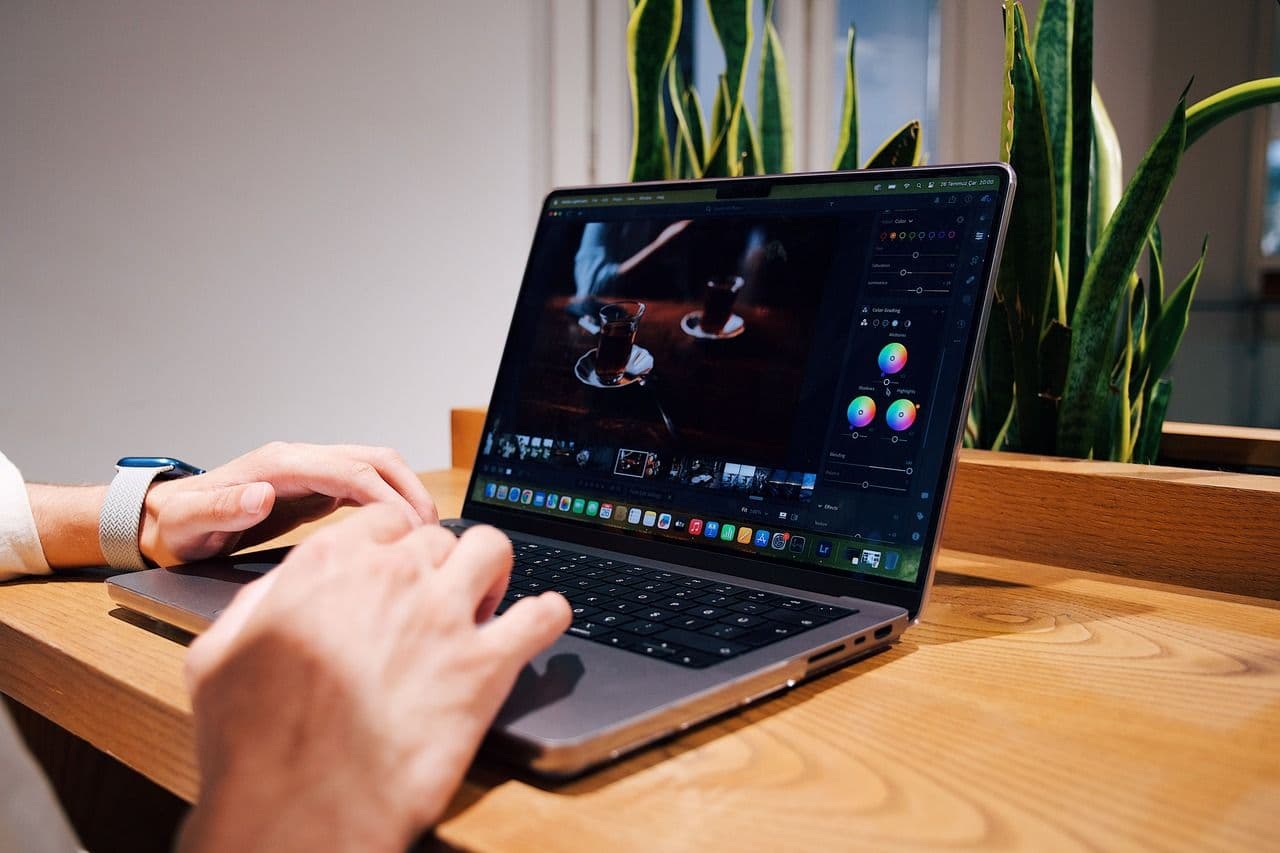
- Macs have better displays. Mac screens can display Midjourney images much better. It is easier to discern and adjust the output quality on a Mac.
- Mac has powerful inbuilt hardware, which automatically makes it an excellent choice for complex computation, processing, and image generation.
- Mac is currently available through Discord, a popular free instant messaging and Voice over IP service. While Discord works on different operating systems, such as Windows and macOS, it has been known to work best on Mac devices.
Understand How Midjourney works on Mac Computers
Midjourney is available for use through its Discord server. Midjourney's Discord Bot is a powerful "genie" that helps users generate stunning images and get optimal results from the software. Here is the process guide to help you get started with Midjourney on your Mac.
Step 1
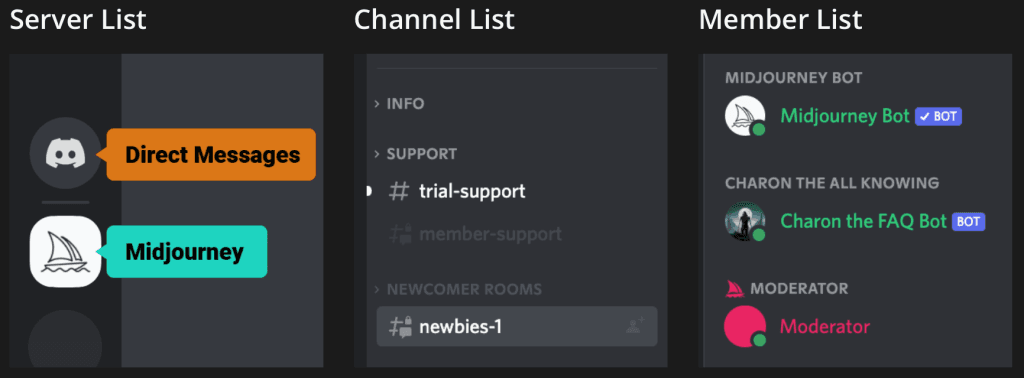
You will need a Discord account to access the Midjourney server and interact with the Midjourney Bot.
Step 2
Once you have a Discord account, access
Step 3
The Midjourney Discord server is a treasure trove for users. As a "newbie," Your first stop is the NEWCOMER Channel on the server. The Newcomer Channel will help you familiarize yourself with the AI Art creation process.
Step 4
The next step is to start with the exciting task of seeing mindblowing images on screen. The Midjourney Bot is all set to help you. The chat box below is designed to allow you to chat with the Bot. You need to use /imagine command to start generating images.
Step 5
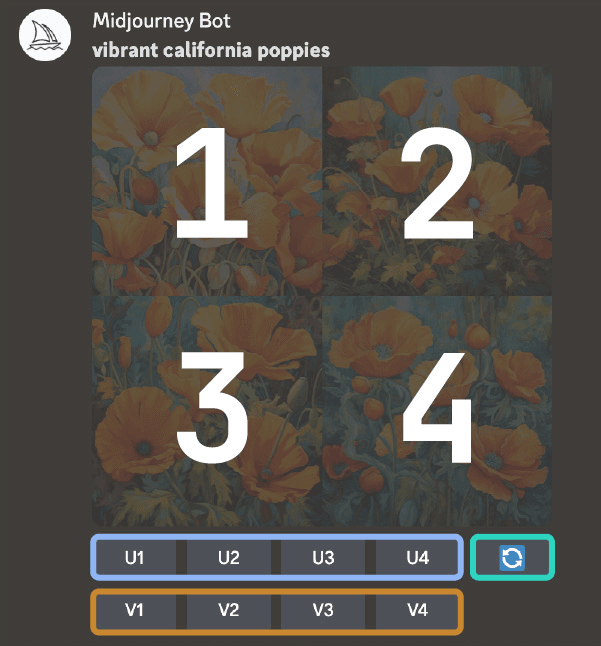
One of the most fascinating aspects of image generation with Midjourney is that it generates several images( an image grid) for the same prompt. This image group, which appears in the Chat, allows users to choose from different image options according to their requirements.
Step 6
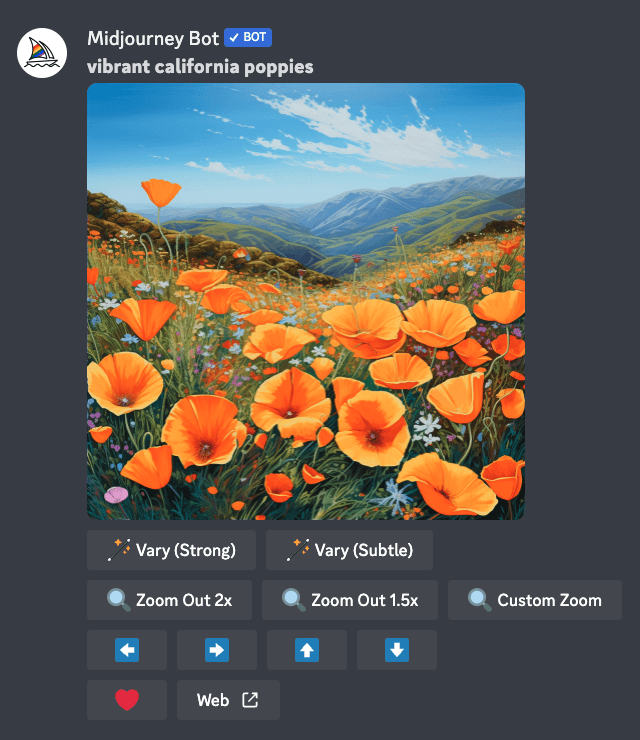
The alphabets U for Upscale and V for Variations will allow you to tweak the image you like best. While Upscaling the images will provide you with a larger and more detailed image, the Variations options will present variations of the chosen images.
Step 7
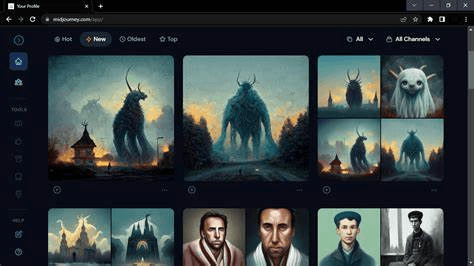
The Midjourney website hosts your personal gallery, and the "Web" option on the server will transport your chosen image to the gallery.
Prompts and Commands
Now that you have a good idea about the process of AI art generation, it is time to maximize the potential of Midjourney. Learning the most critical prompts will help you transform your AI art experience. Midjourney's basic prompt is a one-word text, phrase, or emoji! However, Midjourney also allows more complex prompts, which are Image Prompts(incorporating image URLs), Text Prompts (with elaborate texts), and Parameters( settings such as aspect ratios to adjust the image.)Interacting with the Midjourney Bot becomes easier when you know commands such as /ask, /faq, and /describe to carry out essential functions.
Other Channels on the Midjourney Server
Many valuable channels on the Midjourney Discord Server enrich the user experience while creating digital images. Apart from the #Newcomer channel, the #member support channel, which helps with technical issues, there is also # Daily Theme Channel, a fun channel that supports collaborative art. They all can be pretty helpful to AI practitioners.
Conclusion
Midjourney has made its mark as a sophisticated yet user-friendly AI-powered art generator. Midjourney for Mac combines the power of macOS with the superior capabilities of the Midjourney software to ensure that you can explore all the unique dimensions of digital art. From collages and freehand drawings to altering existing pictures, there is no limit to what you can achieve when using Midjourney. Log on to the Midjourney website on your Mac and check out the astounding world of AI art.
FAQs
Can Midjourney be used on my mobile?
Midjourney AI is a mobile app for iOS. You can download it from the Apple Store to create stunning visuals.
Can Midjourney for Mac be used only on Discord?
Midjourney plans to test the Midjourney web version to give its seasoned users another avenue to create amazing visuals.
How can I join the Midjourney Discord server?
When you visit the Midjourney website, click on Join Beta, which will automatically lead to an invite to join the Midjourney Discord Server.
Are Midjourney images subject to copyright?
All Midjourney Images are available in the public domain. So unless you have a paid subscription and use the Stealth Mode on Midjourney, others can use your images.