

Luckily, you can quickly learn about how to access the Metaverse on iPhone using this easy tutorial.
The Metaverse -An Online World Beyond Your Imagination
But what exactly is the Metaverse, and why is everyone talking about it? The Metaverse is a digital world where you can exist as "Avatars" or representations of yourself. Doesn’t that sound mindblowing? Keep reading to get a complete picture of the Metaverse and how it is a game changer.
- The Metaverse is a collection of several virtual worlds a user can enter to game, shop, create, or work.
- The Metaverse uses Virtual and Augmented Reality devices to derive an immersive experience.
- With the Metaverse, there are no boundaries. You can participate in a conference, a concert, or an event without being physically present at the venue.
- The Metaverse attempts to use Haptics(tactile senses such as pressure or vibrations)to enhance user experience.
- Besides gaming, companies in the retail business, such as Skechers and Ikea, are taking considerable initiatives to incorporate the Metaverse into their online presence. For instance, shoppers can now see what their desired furniture would look like in their space.
Applications of the Metaverse
The possibilities and potential associated with the Metaverse are limitless. The Metaverse relies on user-generated content, and companies spend plenty of money and time improving user experience. Knowing its applications and usage is a good idea before you learn how to access the Metaverse on iPhone.
The present applications of the Metaverse include
- Gaming
- Shopping
- Socializing and engaging in conversation
- Attending virtual events and conferences
- Trading in digital assets
- Collaborating with different people across the globe on work
Equipement to access the Metaverse
Your Metaverse experience should be memorable, unique, and one-of-a-kind. Besides your trusted iPhone, here is a list of equipment(some necessary, others, if you have the money to splurge!) you can procure before launching into the Metaverse.
Virtual Reality Headset
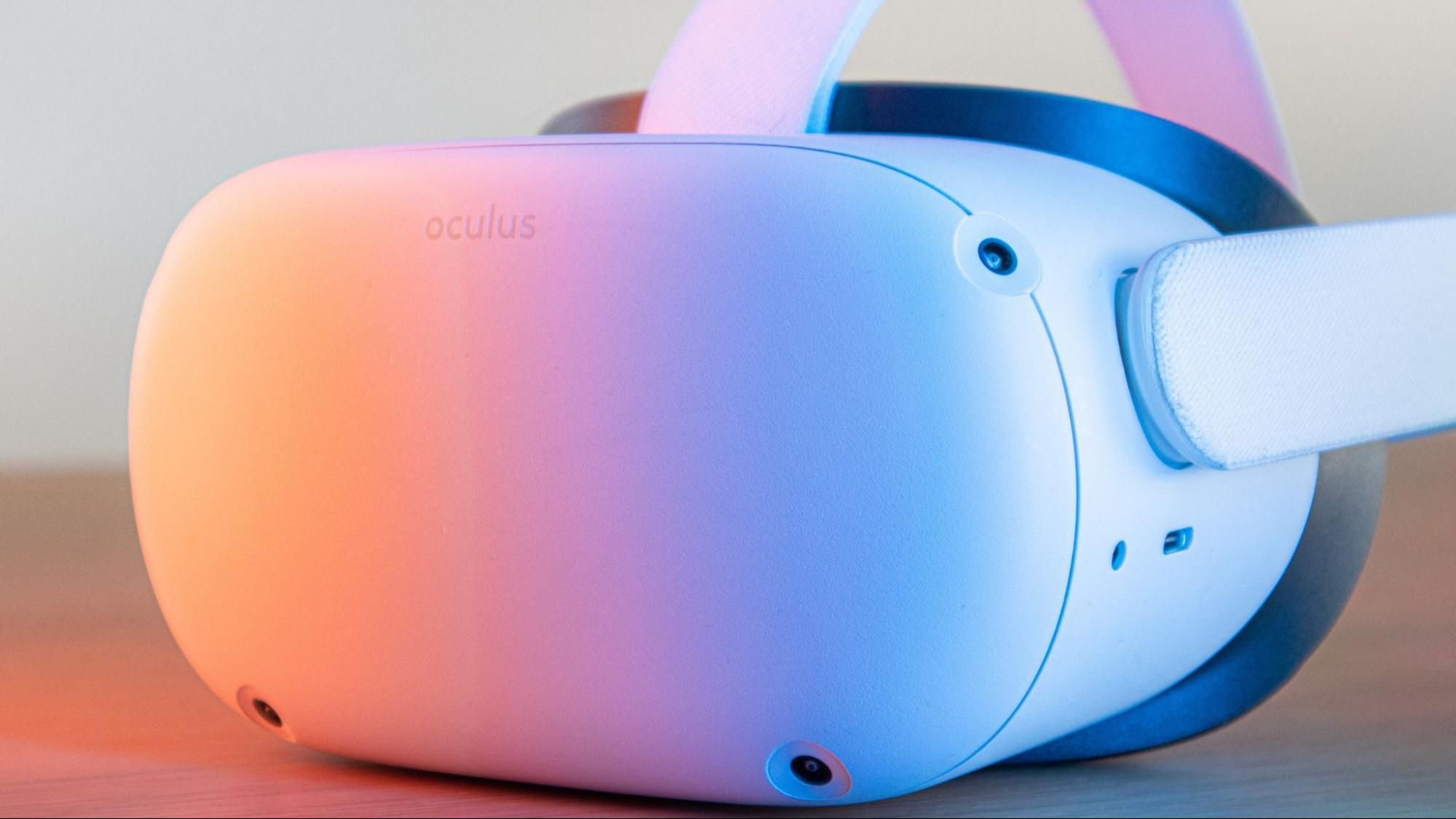
For an immersive experience, a VR headset is a must. Many top-quality headsets, such as Meta Quest 2, PlayStation VR2, and Pansonite VR headsets, are available in the market.
Haptic Glove
A haptic glove adds another dimension to your metaverse experience as it enables tactile feedback so you can "feel" every sensation as you experience it. Popular brands include Manus VR, HaptXglove, and TeslaSuit Glove.
3D Scanners and Full Body Tracking Systems
If you want to go premium, indulge in a 3D scanner to recreate your physical surroundings into a digital form and a full body tracking system to make your avatar mimic your actions.
Avatars and Platforms
To maximize your experience in the Metaverse, here is a primer on Avatars and Platforms that iPhones.support.
Avatars
The idea of "Avatars" that represents a user in the Metaverse may sound intriguing, even baffling. A static or animated Avatar acts like your digital identity in the virtual world.
Avatars can be 2 Dimensional, 3 Dimensional, Full body( where both the upper and lower limbs move), or VR( only the upper body moves.)
Platforms
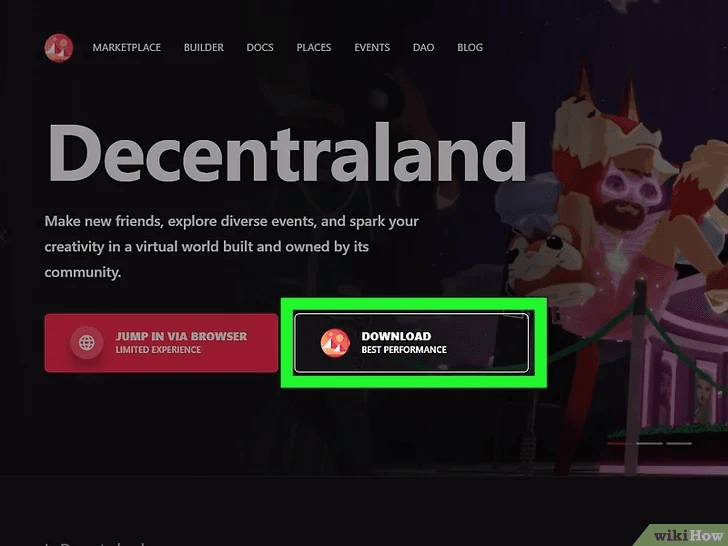
- Decentraland
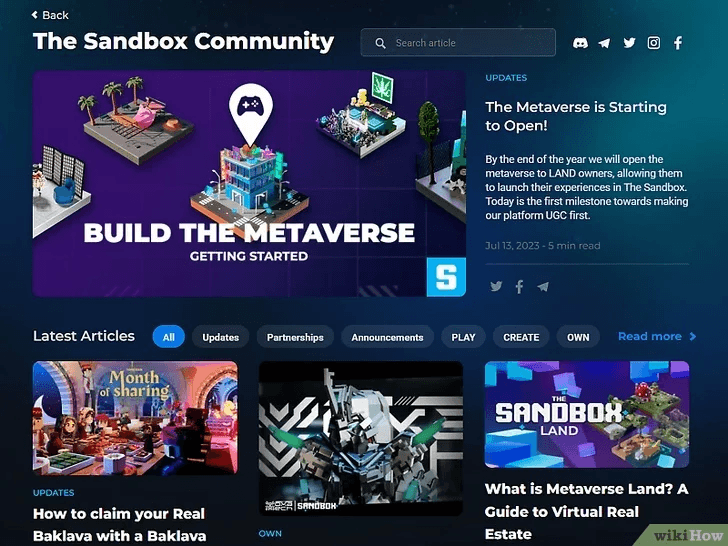
- The Sandbox
- Roblox Mobile
- AXIE Infinity
- Ready Player Me
- HighRise
- GALA
- Star ATLAS
How to access the Metaverse on iPhone
Now, you are all set to enter the Metaverse. Here are five simple steps to help you use your iPhone and become a part of Metaverse.
Step 1
Choosing a Metaverse platform is the first step to joining the Metaverse. Every Metaverse platform listed above caters to a different purpose. In the Metaverse, you can purchase digital assets, play games, or converse about a topic of interest. So, make this decision based on what you want to do in the Metaverse.
Step 2
Create a Cryptocurrency account on a web3 wallet such as Metamask, Trust Wallet, or Exodus.

Step 3
Sign up on your preferred Metaverse platform.
Step 4
Attach the VR headset to the iPhone using Wifi and launch the VR app on the platform. Add the crypto wallet to the virtual platform.
Step 5
Create your avatar using Avatar creation tools available on the virtual platform.

Congratulations! You are now officially a member of the Metaverse!
How to use your iPhone for AR Apps
Augmented Reality applications such as Pokemon Go, IKEA Place, Measure App, and Google Lens use Metaverse technology to overlay the digital world over the real world. Download these on your iPhone, point the camera of your phone to real-world objects, and tap into the vast potential of the Metaverse.
Conclusion
Your iPhone offers you the fastest way to access the Metaverse. Several apps in the Metaverse are iPhone-compatible, and you will find a platform of your interest and choice. Learning how to access the Metaverse on iPhone is a great way to get started on the Metaverse experience.