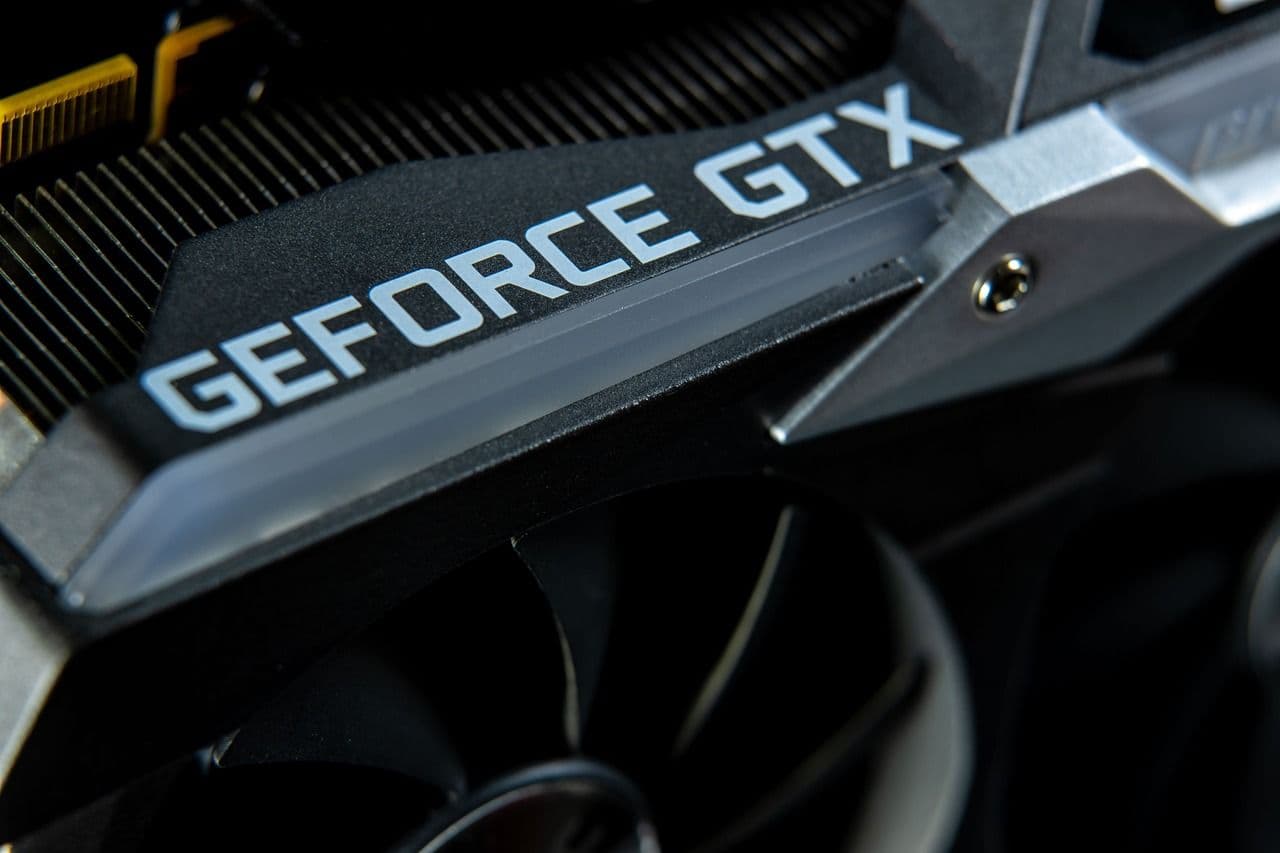

A PC with a powerful Graphics Processing Unit (GPU) that integrates well with the software is the key to rendering amazing images quickly. A GPU is an electronic circuit that processes videos and images faster. Selecting the best GPU for Stable Diffusion per your requirements and budget can be tricky. Before choosing one, getting a good idea about the top GPUs available is prudent.
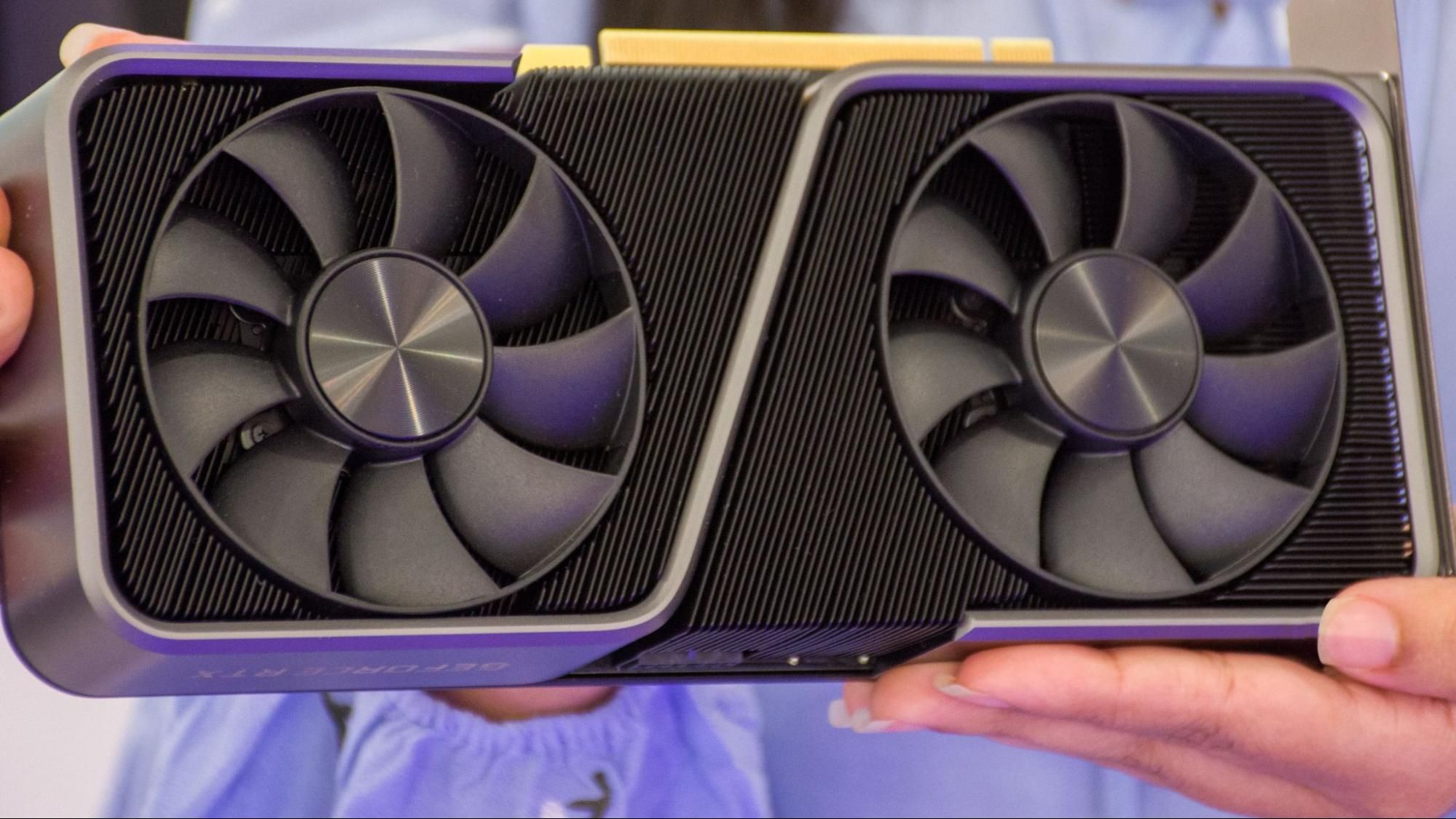
The Need for a GPU for Stable Diffusion
Why not use Stable Diffusion with just your computer's CPU?
The simple answer is that it is theoretically and practically possible. However, a Graphics card or GPU will make image generation happen incredibly fast. Think of a GPU as the heart of your PC. This healthy heart will ensure that processing and creating images happen smoothly, quickly, and precisely. Therefore, to unlock the full potential of this Generative AI software, you must explore the best GPUs in the market. This guide can help you with tried and tested advice from ace AI professionals.
Choosing the Best GPU for Stable Diffusion - What Experts Say
Here are some pointers to help you find the best GPUs for Stable Diffusion.
At the outset, three graphic card brands have been tested for performance in Stable Diffusion.
- Nvidia
- AMD
- Intel
Experts agree that Nvidia and AMD graphic cards are the only serious contenders when looking for viable options for GPUs. Therefore, check out various options in these brands while purchasing the best GPU for Stable Diffusion on your PC.
The Parameters to Consider
How you plan to use Stable Diffusion will tell you whether you need a top-end GPU or not .AI enthusiasts therefore, advise users to assess their requirements first.. If you are a casual user looking to putter around with images or intend to go in for complex imaging like creating Anime or Outpainting will determine how much of a heavy-duty graphics card you need.
The significant factors you must remember while making your choices are
Basic Compatibility
At the fundamental level, checking for compatibility with your PC's existing hardware is essential. Check the compatibility of the operating system and the CPU to ensure smooth processing.
- Deep Learning Frameworks
Deep learning frameworks like TensorFlow and PyTorch are at the heart of all generative AI models. These software libraries communicate with the GPU and accelerate Graphics processing tasks.
VRAM
VRAM is the type of memory that stores and processes image data and is a part of the GPU and the critical enabler for processing high-quality images at incredible speeds. The ideal VRAM requirement of a GPU is 8 GB. Higher-resolution images require a higher VRAM.
CUDA
Compute Unified Device Architecture, which enables parallel processing, is the brainchild of Nvidia and is known to deliver excellent results for AI-generated Images.CUDA maximizes the use of the PC's memory and helps a data-pattern-intensive tool like Stable Diffusion to perform optimally.
TENSOR CORE
Another Nvdia component of GPUs since 2017, Tensor Cores, is integral to matrix multiplication and convolution operations, enhancing performance for deep learning tasks. A GPU that combines the best CUDA and TENSOR cores is guaranteed to render images faster.
Making THE Right Choice
Now that you know everything about GPUs, here are the winning options for GPUs that you can choose from. These have been tested against benchmarks and approved by experts.
NVIDIA
GPU pros believe Nvidia should be your number-one choice for image generation. Under the RTX umbrella, Nvidia GPUs are sold in the 20, 30, and 40 series.
Good
RTX 2060(6 GB VRAM)
An adequate and affordable option.
Better
RTX 3060(12 GB VRAM ), RTX 3060Ti(8GB VRAM)
Offers a good balance of price and performance and can handle complex tasks effortlessly.
Best
RTX 4080 and RTX 4090 (16 MB/24 MB )
A powerhouse -efficient but expensive with customization options.
AMD
Good
AMD Radeon RX 6700 XT (12 GB)
Decent image generation at a reasonable price point.
Better
AMD Radeon RX 6800 XT (16 MB)
Can handle complex prompts reasonably well.
Best
AMD Radeon RX 7800 XT (22 MB) and 7900 XT(24 GB)
Exceptional performance -superior speed and image quality.
Bonus Tips
- Several websites, such as versus and technical city, can help you compare GPUs.
- A key benchmark to measure performance is iterations per second (“it/s” ) in Stable diffusion measures it takes to generate an image. For example, if it takes 8 seconds to generate 100 images, the it/s is 12.5 per second (100/8 .)
Conclusion
The primary benchmarks used to compare different GPUs are based on the speed at which the image is generated and its quality in relation to its size. The best GPU for Stable Diffusion, whether from the Nvidia or the AMD stable, should suit your needs and budget perfectly. Make your selection with care and watch amazing images unfold on screen.